• AI - Coding - HTML - Web Development

    Vibe Coding Sprint

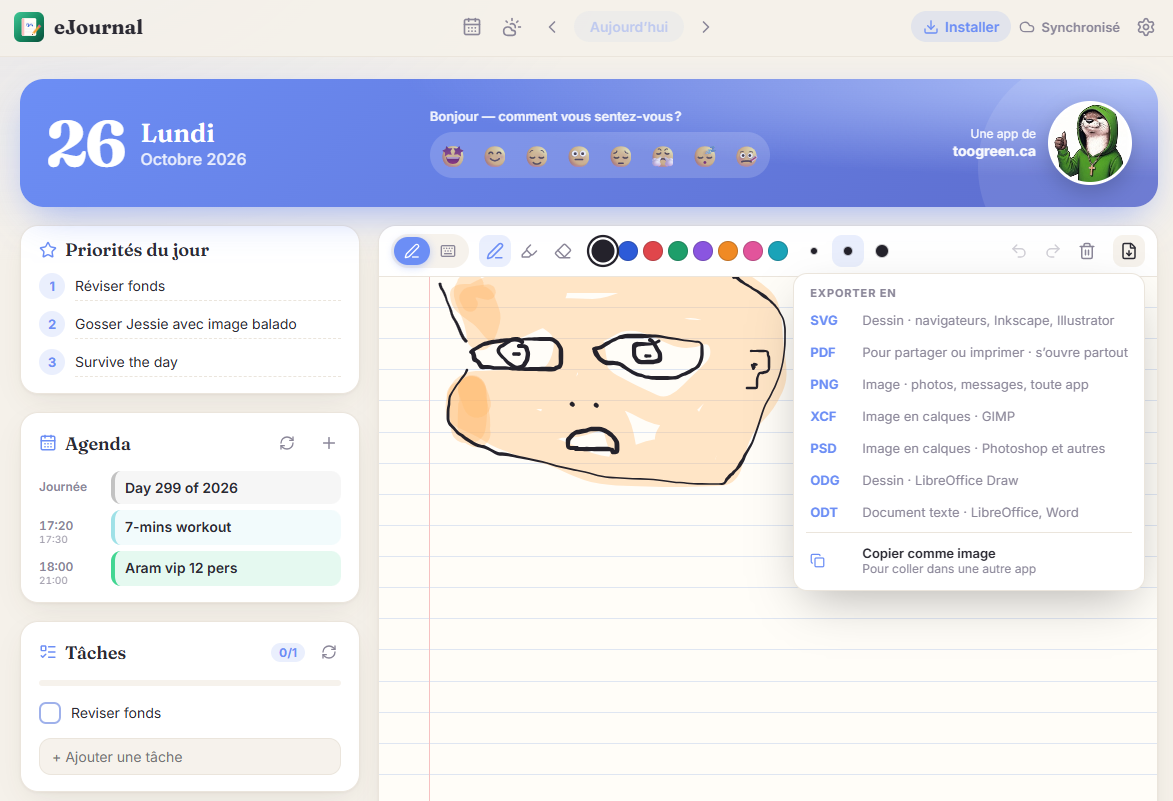
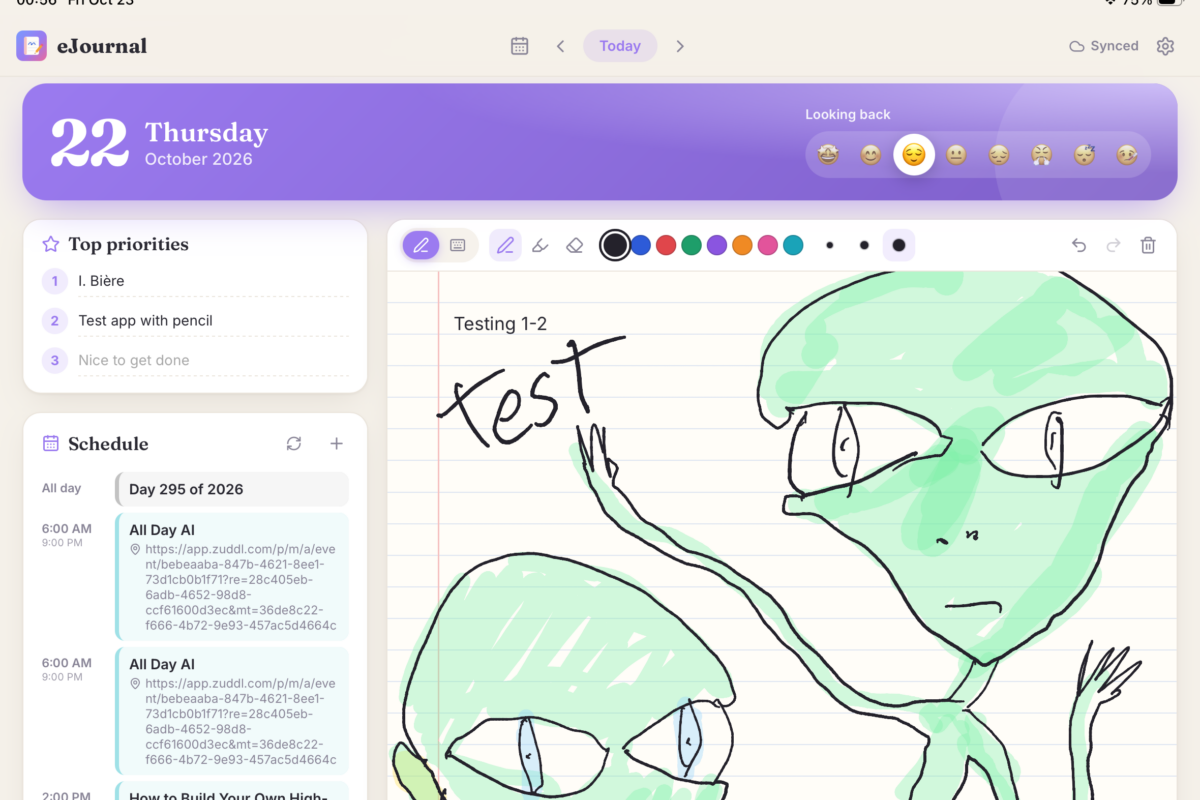
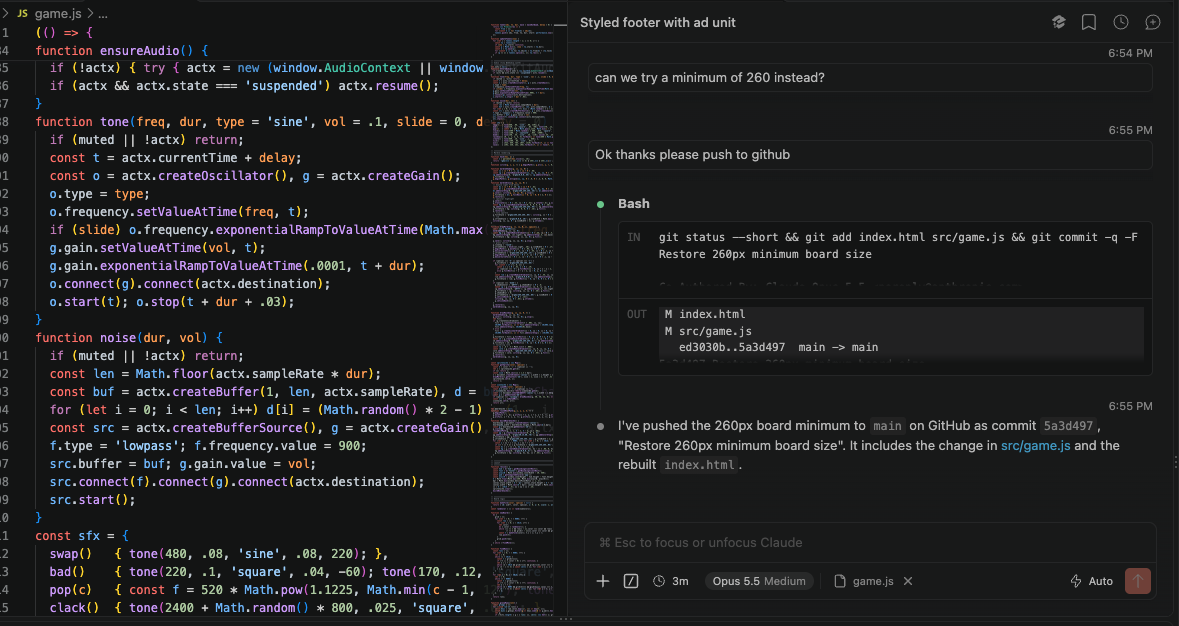
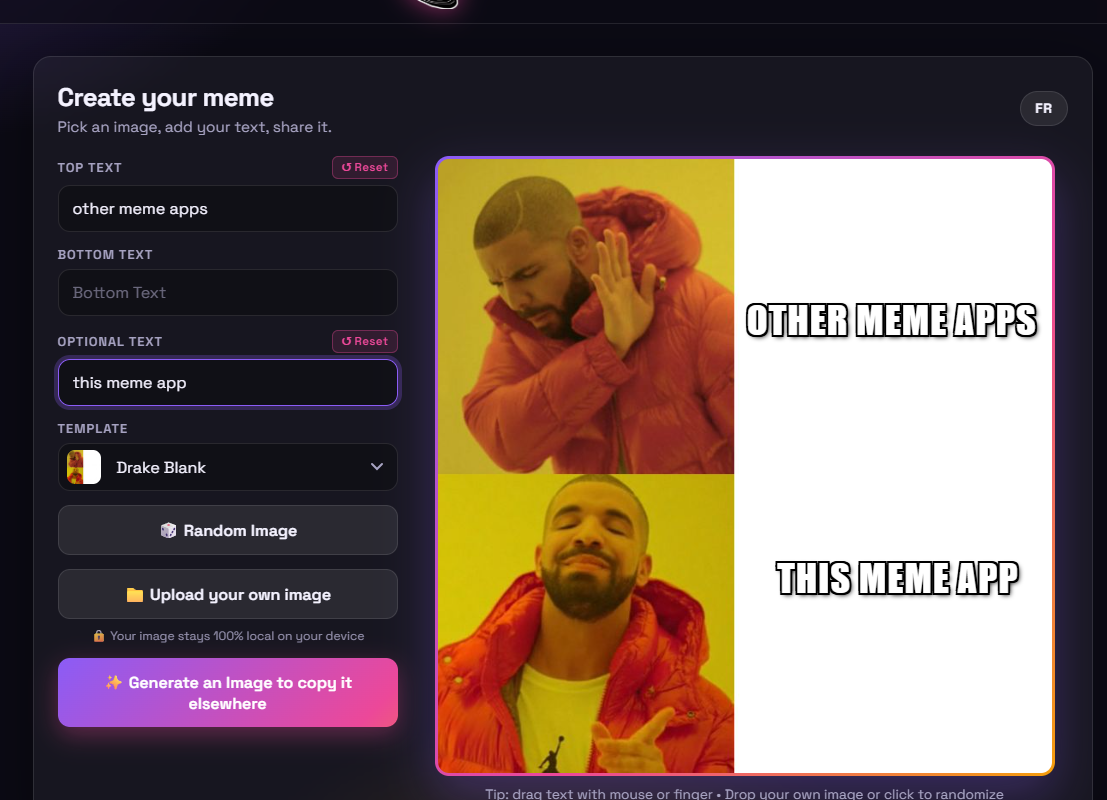
    Comme expliqué dans mes derniers posts, j’expérimente beaucoup ces jours-ci avec la création d’applis assistée par AI. Ça donne beaucoup de nouveaux projets à voir le jour en même temps! Donc à la place de continuer à vous présenter chaque projet un par un, je vous invite plutôt à consulter les sections “Apps / Sites” et “Games” du menu ci-haut, qui contiennent toutes les nouvelles applis et jeux que j’ai créé, et celles que je vais créer et qui vont éventuellement s’ajouter à la liste 🙂

  • Cryptocurrencies - Education - Games - Hacking - HTML - Mac OS - Retrogaming - Web Development

    Life Hack: Cheap Macbook alternative

    Je dis souvent que si vous voulez un acheter un ordi de qualité qui va vous durer quelques bonnes années mais que vous ne voulez pas vous cassez la tête à magasiner parmi les millions d’options disponibles, d’acheter un Mac d’Apple. C’est toujours vrai, je le pense toujours, mais je consent que ça coûte cher, surtout depuis qu’on ne peut plus nous-même ajouter de la RAM ou un disque dur après l’achat. Heureusement, il existe une solution, un “hack”, si l’on veut, qui revient presque au même qu’avoir un laptop de qualité similaire à un Macbook mais pour vraiment pas…

  • Hacking - HTML - Web Development

    Weather App Updated! Appli Météo mise-à-jour

    English Below – Pour ceux que ça intéresse, j’ai fait une petite mise-à-jour de mon appli météo, qui fait en sorte que dorénavant, quand l’appli démarre, elle détecte notre emplacement géographique et vous donne donc automatiquement la météo pour cette région donnée, sans que vous ayez à taper quoi que ce soit. C’est donc normal si vous voyez un message apparaître qui vous demande si vous souhaitez partager vos infos de géolocalisation. Vous n’êtes pas obligé d’accepter évidemment mais il faut bien sûr accepter si l’on veut que cette fonctionnalité soit activée. C’est fort possible aussi qu’il y ait encore…

  • Coding - Education - HTML - Jobs - Web Development

    New web version of my CV/Resume up!

    As you may (or may not) know, I’m currently open to any work opportunities, therefore I worked on the “web” version of my CV quite a bit over the weekend. I’ve converted the static HTML version of it to a way better version using the React.js framework. This allowed me to make it bilingual by adding the French content but with built-in functionalities allowing the viewer to change language without needing to reload the page. That’s right, you can now toggle back and forth as you wish no matter where you are in the page! Anyway just thought I would…

  • Coding - Mac OS

    Run a Web Server from Any Folder on Your Mac!

    I just discovered this really simple hack which is both a time and life saver if you want to quickly test simple websites on your machine. From any folder (a GIT folder for example where your code is), you simply need to run this simple Python command: UPDATE! Since Python 3, it has now changed to this: As you may have guessed, this will start a web server on port 8000. So from your browser, now all you need to do is go to http://localhost:8000 and, magic, you can now see the website you’re working on. To make it faster…

  • Coding

    Tired of idiots still using Internet Explorer 11 or lower?

    Well me too. The latest website I coded uses many advanced CSS3 elements and honestly, I can’t bother anymore with old ass browsers and people still using them. Therefore here’s a piece of JavaScript code you can insert on your site if you want to alert these folks to get with the times. Of course you can go ahead and change the text to whatever you like. It works beautifully for me. Anyone visiting my website with IE 11 or lower will get this message. Here’s what it looks like when people try to open your page under IE 11…

  • Coding - Education

    Stumbled upon this old game I made to teach my students how to use Scratch

    I had the strange idea to Google myself and found this really old game I had made when I was teaching primary school students how to use Scratch to code. Good memories! Kind of a fun, and easy game to make. Feel free to share or use to teach your kids! 🙂 Pro-tip: Push the “Up” arrow to throw the ball! 😉 Here is the link to the project on MIT’s website where you can find the source code as well: https://scratch.mit.edu/projects/1067865/