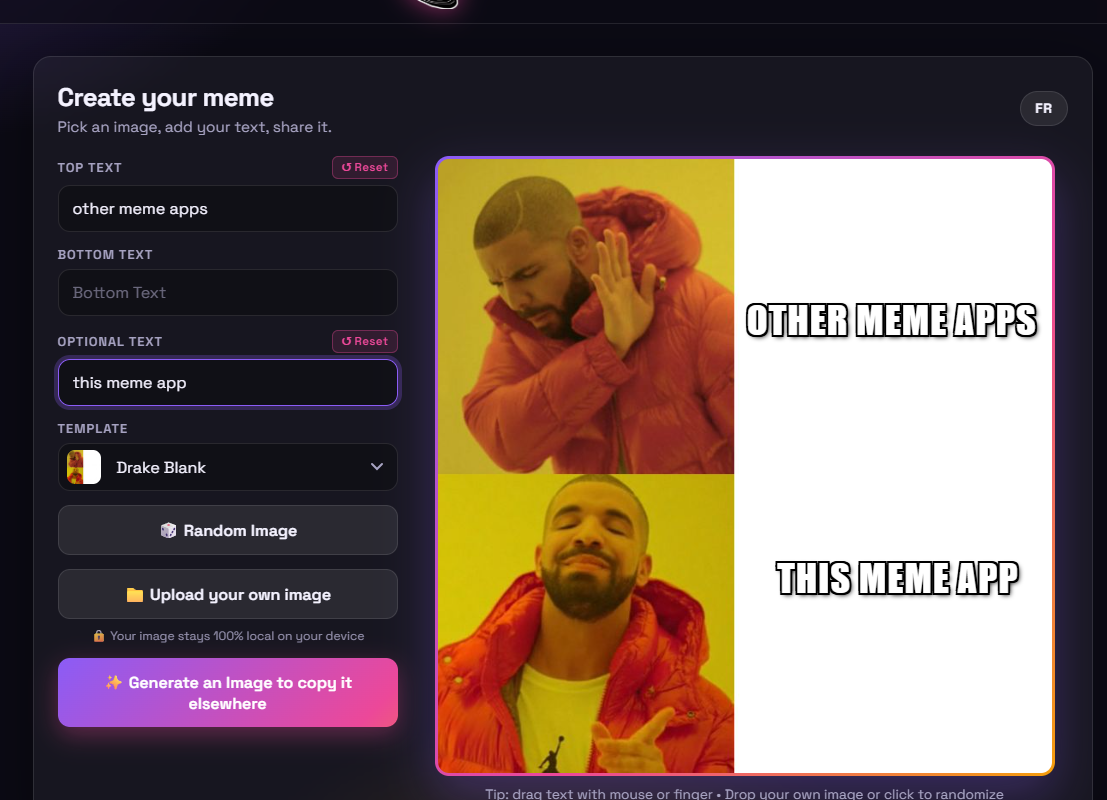
Mon appli de « Meme » a maintenant son propre nom de domaine: MemeCreator.click
Comme c’est dit dans le titre, mon appli vit maintenant libre sur son propre domaine! C’est par ici -> https://memecreator.click/
Tag
18 posts
Comme c’est dit dans le titre, mon appli vit maintenant libre sur son propre domaine! C’est par ici -> https://memecreator.click/
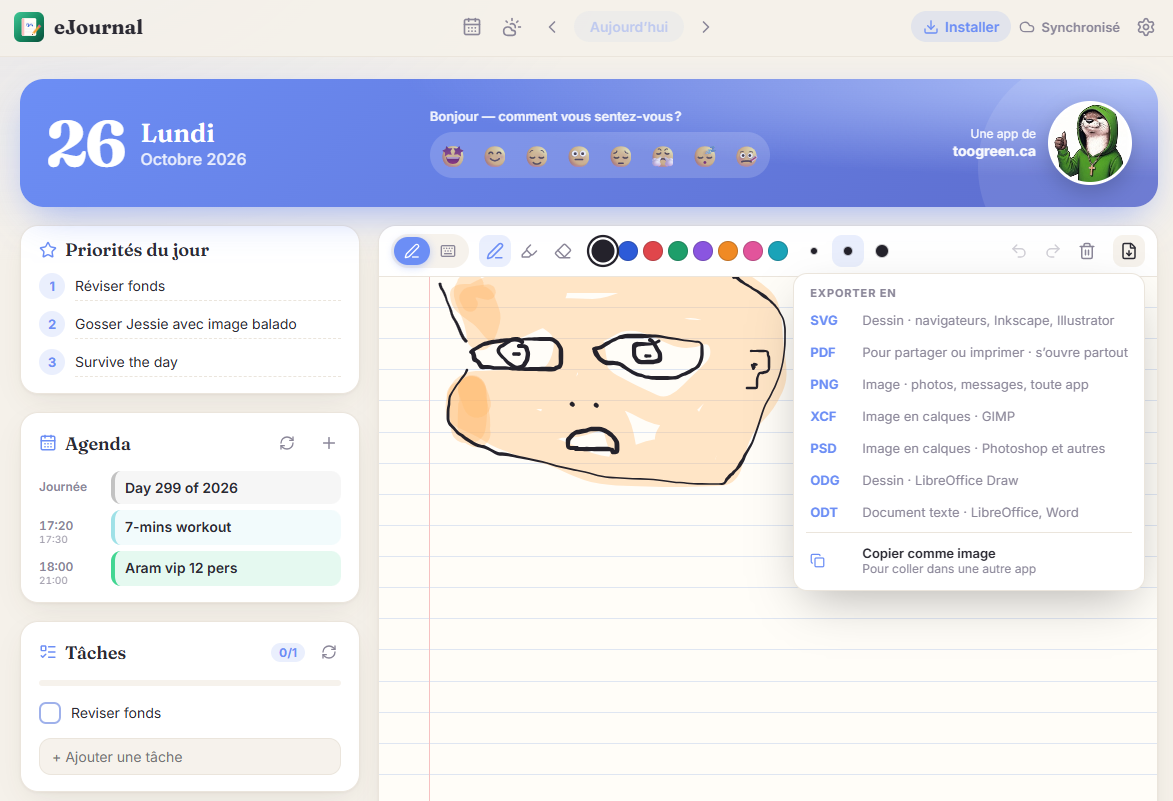
Ce week-end, avec l’aide de Claude AI, j’ai ajouté un tas de features et autres trucs légaux sur mes applis et sites web divers. En voici un bref résumé: toogreen.ca/blog (this blog)…

Mon clone de Zumba a maintenant une première mise-à-jour, dû à un bogue qui faisait en sorte que les combos n’étaient pas tout le temps appliqués quand ça aurait dû être le…
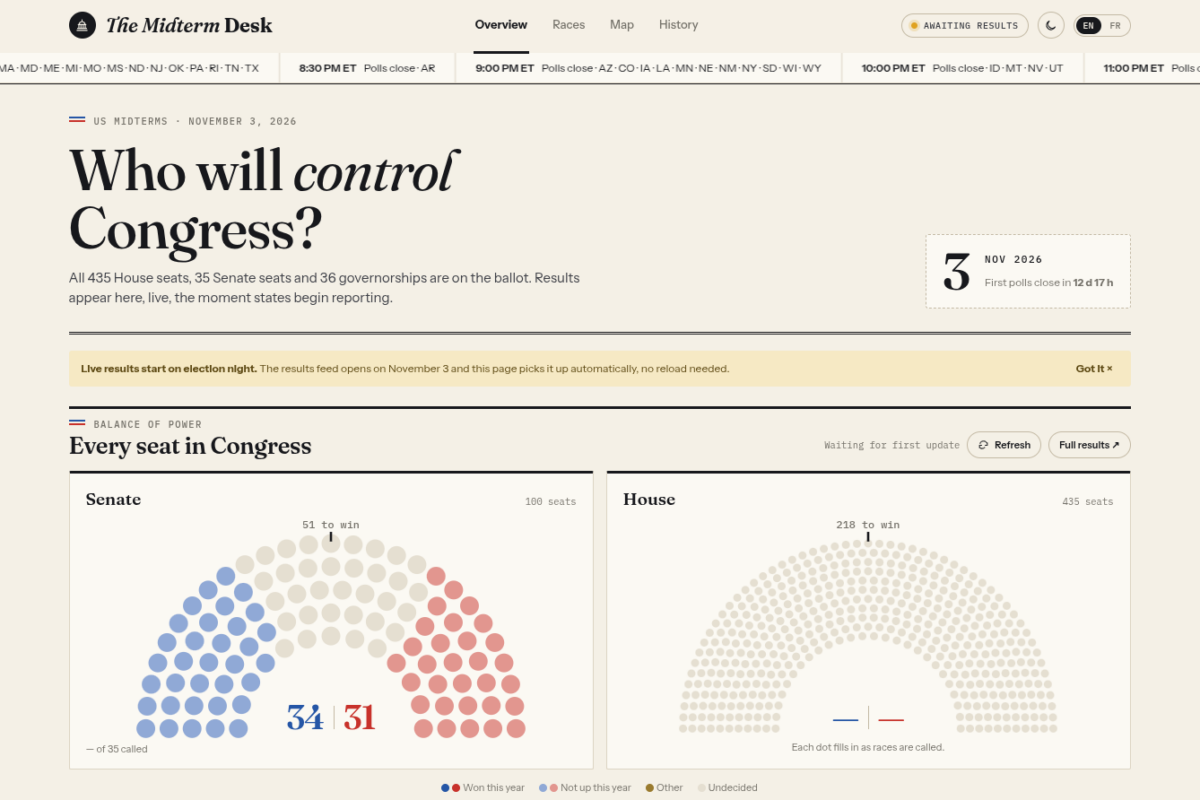
J’ai pris un peu d’avance et à l’aide de Claude AI, j’ai créé cette appli pour pouvoir suivre les résultats des élections de mi-mandats US en direct. Claude s’est beaucoup inspiré de…

Quelle journée… Ce matin en me levant je ne m’attendais vraiment pas à ça. La grosse panique mondiale, dû à une nouvelle faille de sécurité dénommée « PHP2Shell » dans le code de PHP……
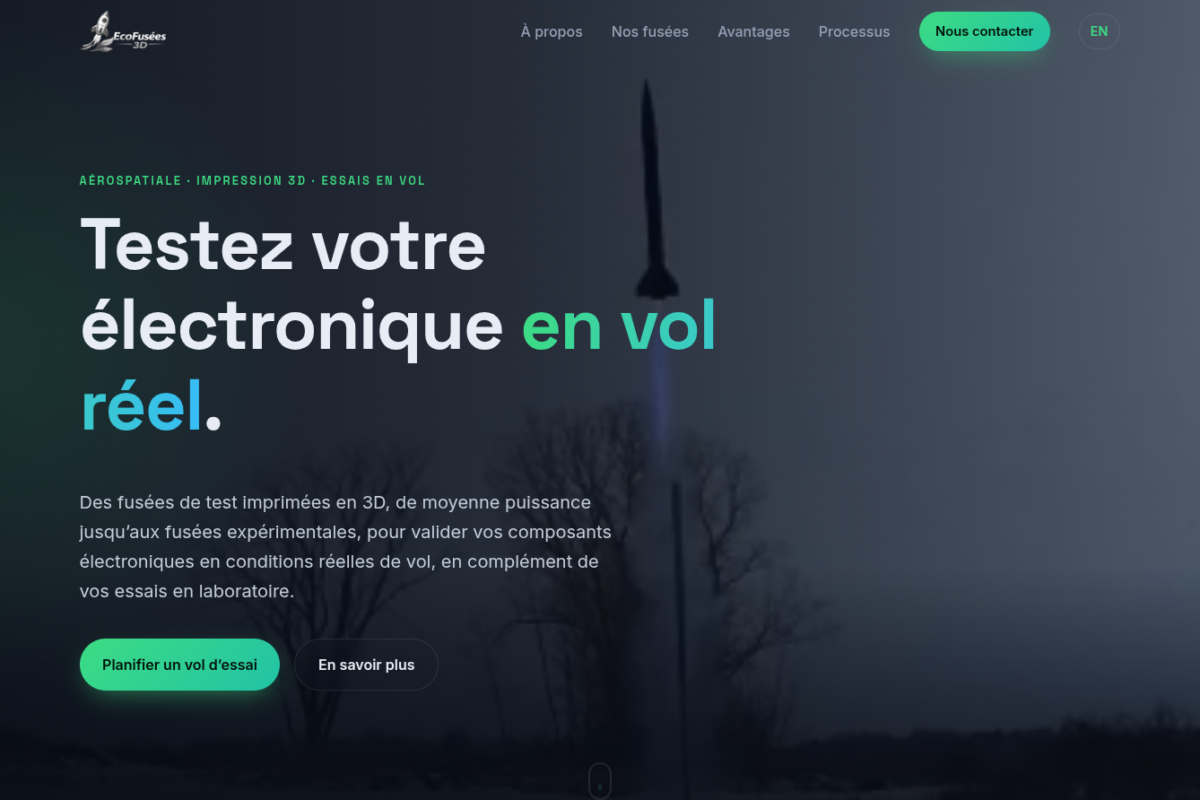
En discutant avec un ami étudiant à l’ETS des possibilités de ce qu’on peut faire avec Claude AI, j’ai pu lui montrer ce qui était possible de faire en lui créant ce…
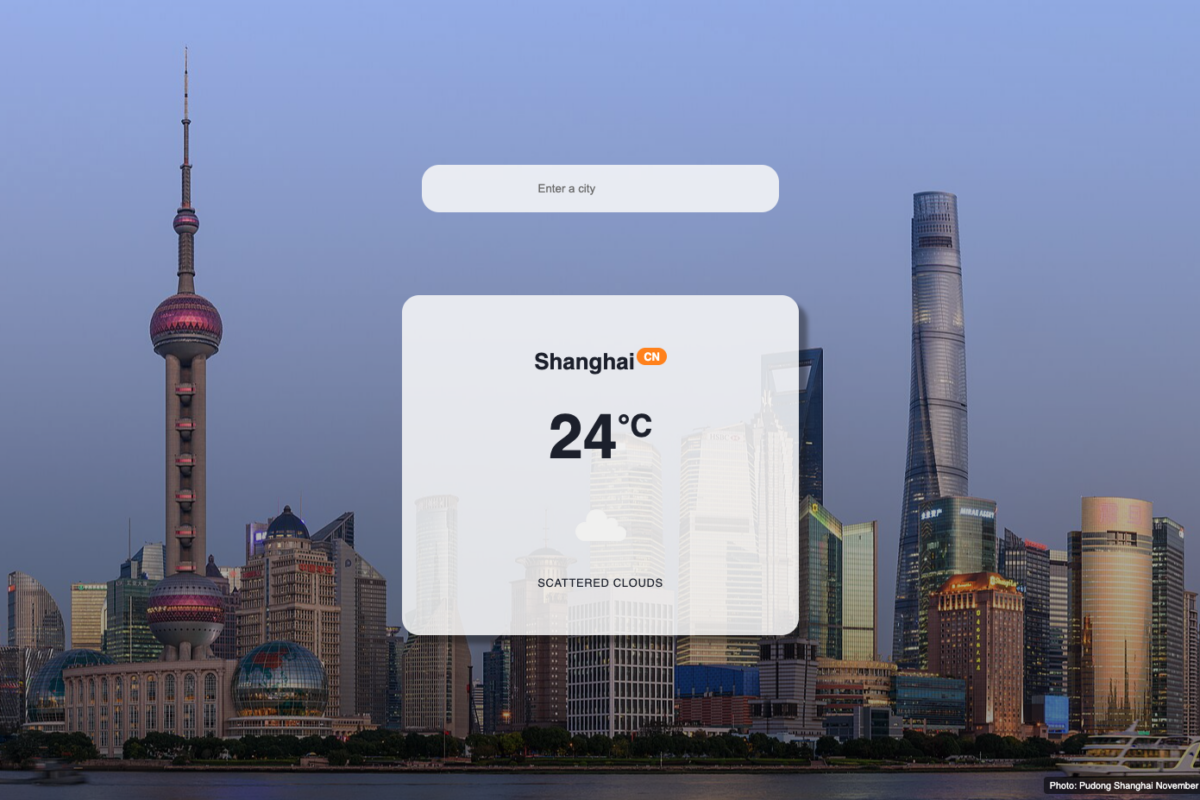
J’ai d’abord changé le fond d’écran par défaut, mais çelà m’a donné l’idée d’ajouter une fonction intéressante à mon appli météo: L’image de fond change selon la ville choisie! J’ai réussi avec…
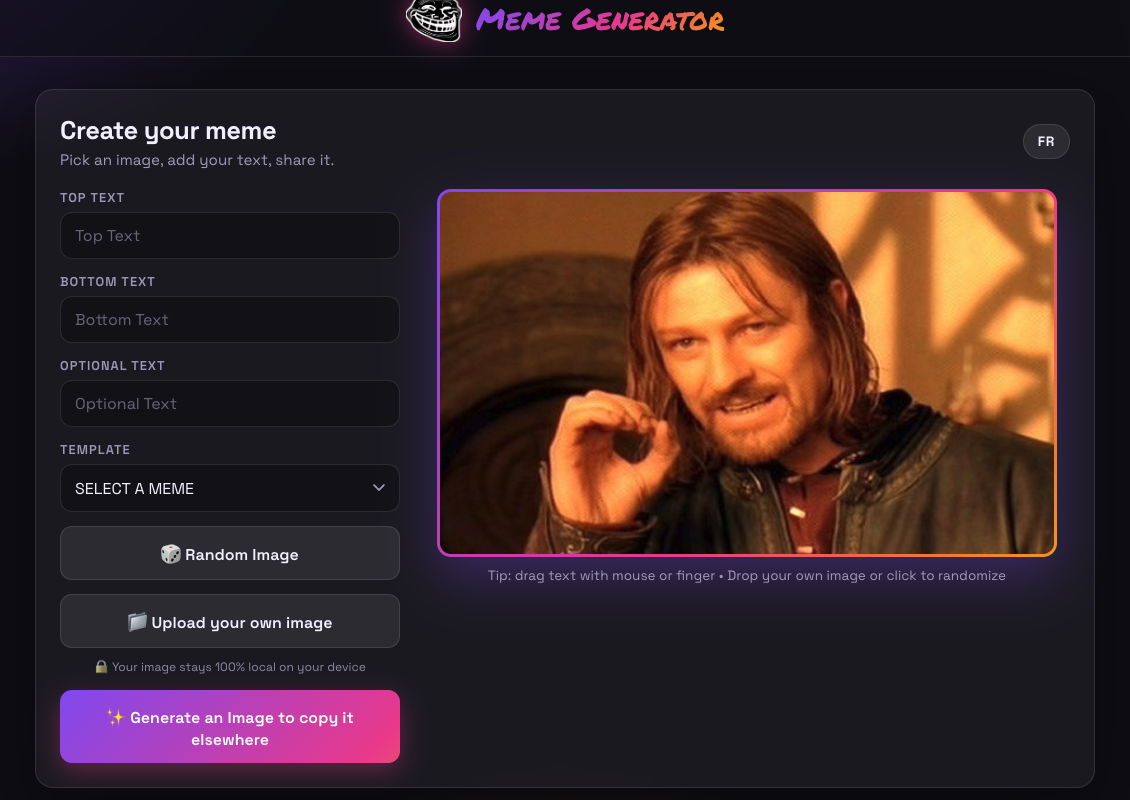
Yup! New version is up! Here are the main new features: Here’s where to find it: -> http://toogreen.ca/meme/
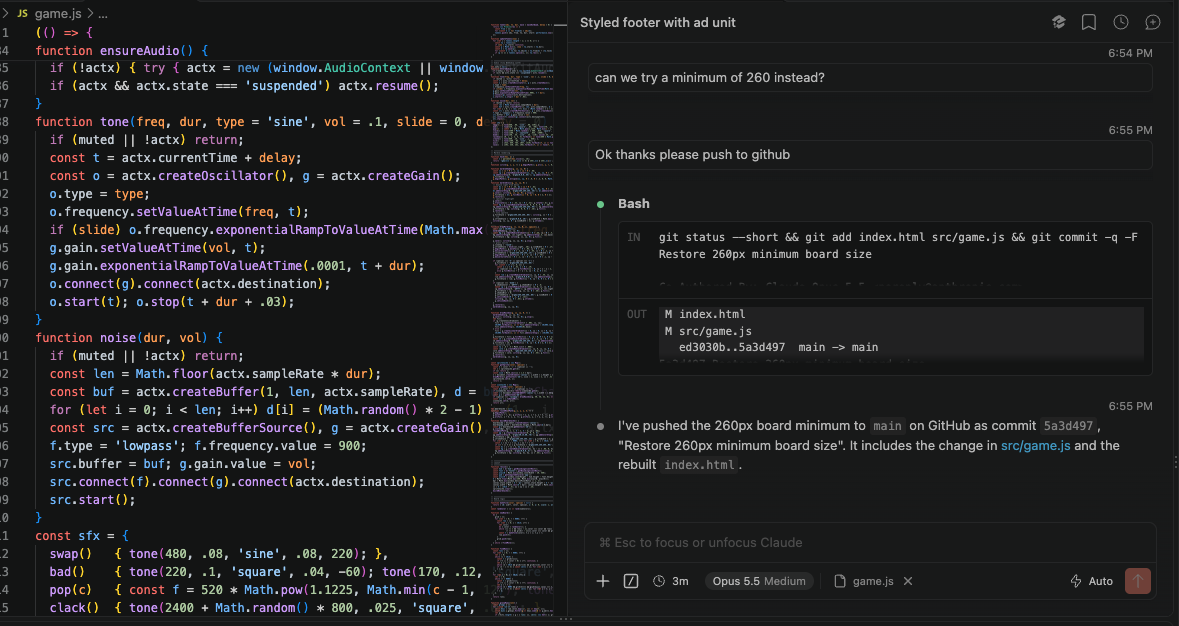
Comme expliqué dans mes derniers posts, j’expérimente beaucoup ces jours-ci avec la création d’applis assistée par AI. Ça donne beaucoup de nouveaux projets à voir le jour en même temps! Donc à…
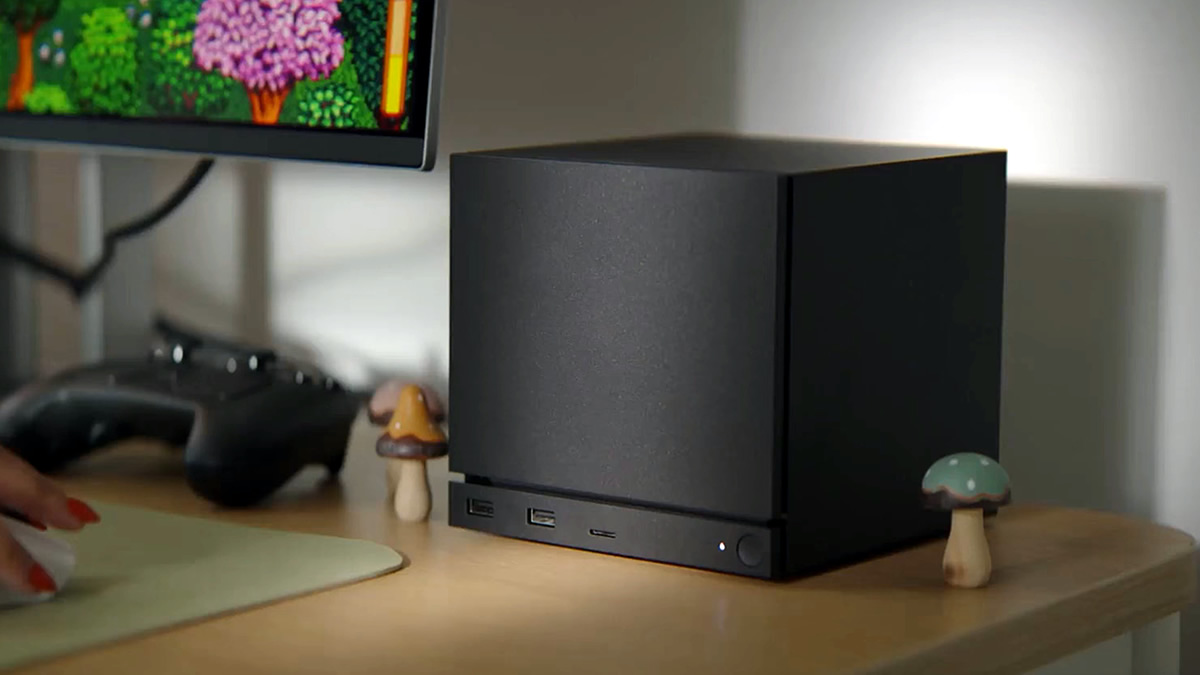
Je pense que cette petite boîte aura possiblement un impact significatif dans l’industrie du PC, dans le sens que jusqu’à maintenant, le consommateur moyen pas trop « geek » n’avait pas vraiment de choix…