• AI - Coding - HTML - Web Development

    Vibe Coding Sprint

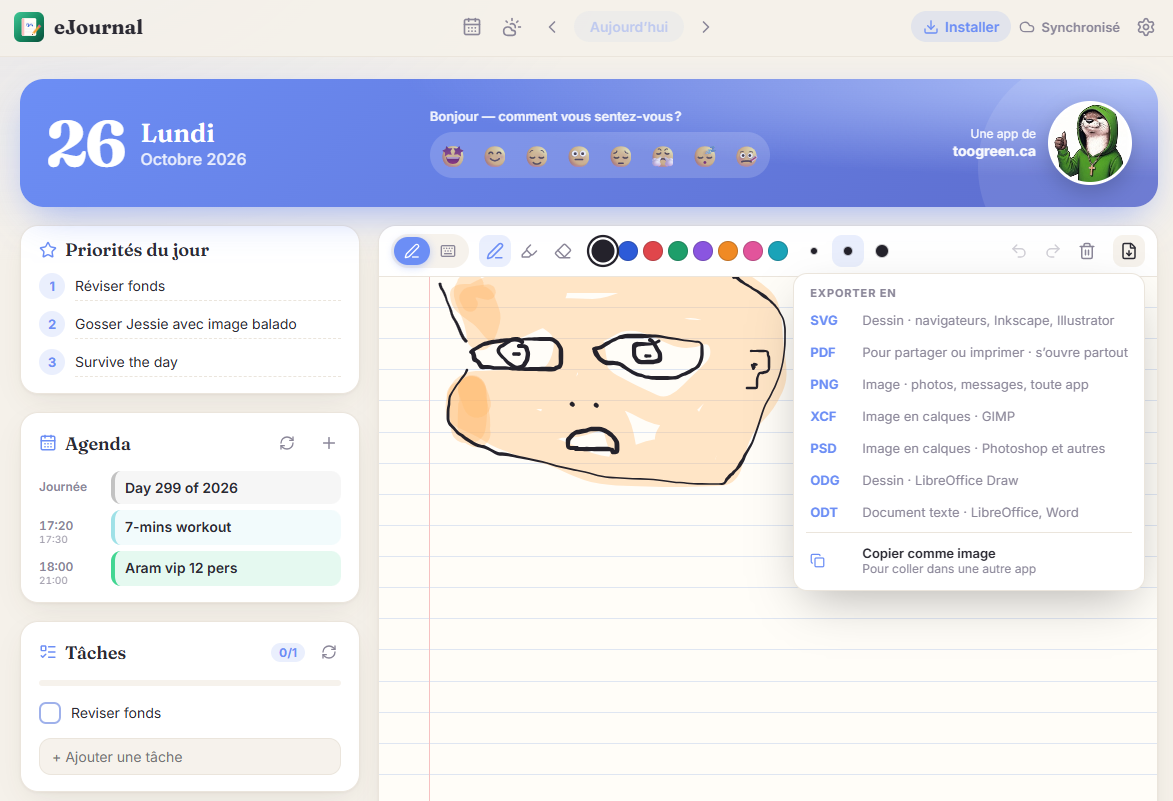
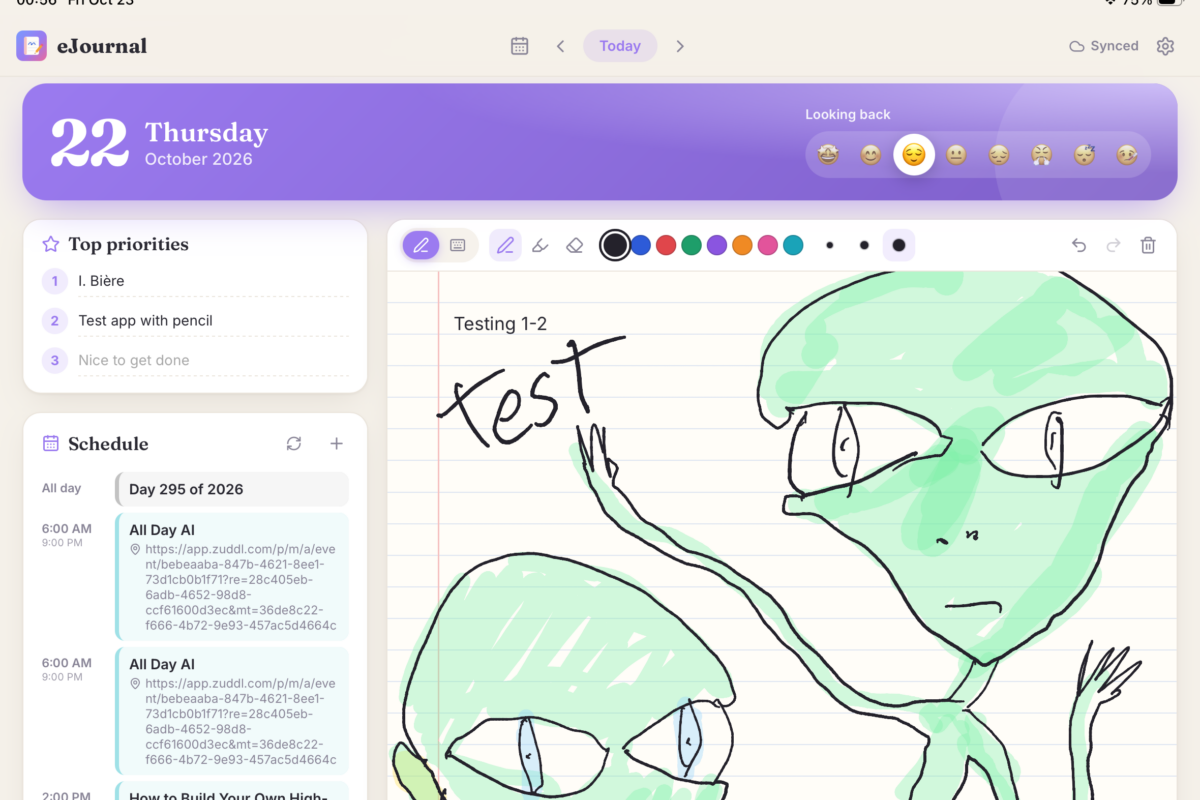
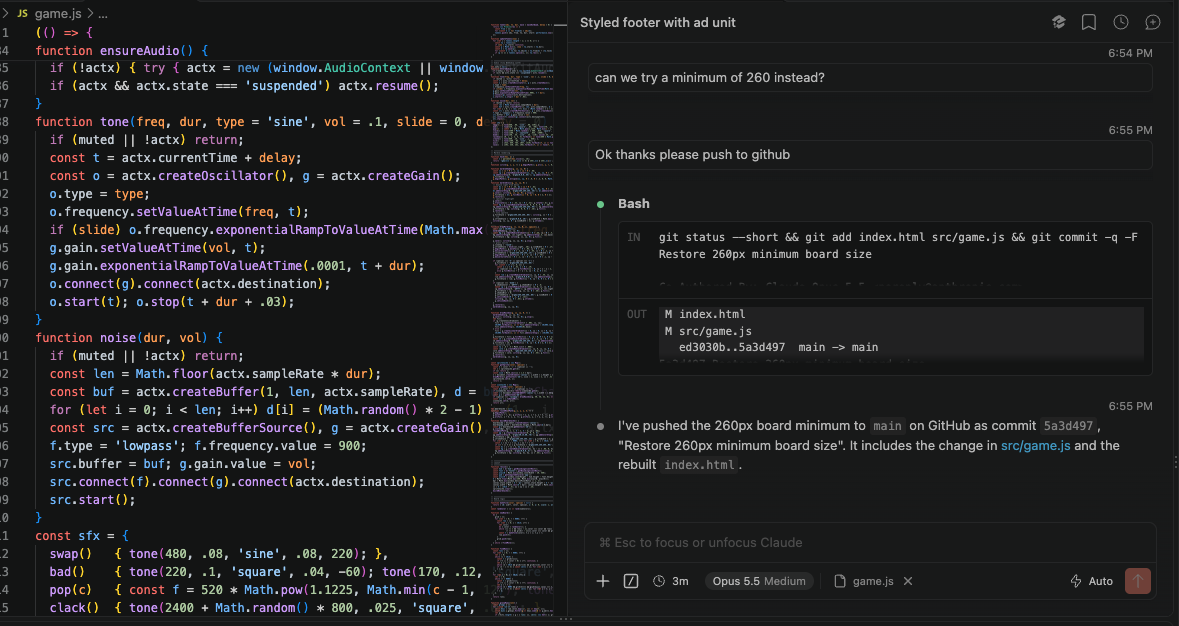
    Comme expliqué dans mes derniers posts, j’expérimente beaucoup ces jours-ci avec la création d’applis assistée par AI. Ça donne beaucoup de nouveaux projets à voir le jour en même temps! Donc à la place de continuer à vous présenter chaque projet un par un, je vous invite plutôt à consulter les sections “Apps / Sites” et “Games” du menu ci-haut, qui contiennent toutes les nouvelles applis et jeux que j’ai créé, et celles que je vais créer et qui vont éventuellement s’ajouter à la liste 🙂

  • Coding - Games - Mac OS - Retrogaming - Web Development

    La Steam machine, plus grande menace à Microsoft et Apple jusqu’à maintenant?

    Je pense que cette petite boîte aura possiblement un impact significatif dans l’industrie du PC, dans le sens que jusqu’à maintenant, le consommateur moyen pas trop “geek” n’avait pas vraiment de choix entre s’acheter une machine Apple avec MacOS, ou un PC avec Windows. Avec l’arrivée de Windows 11, qui est, admettons-le, un tantinet gourmand en ressources systèmes, qui nous bombarde de publicités et nous oblige à avoir un compte Microsoft, de plus en plus d’utilisateurs commençaient déjà à se tourner vers des alternatives comme Mac ou Linux. Le problème avec ces derniers toutefois est que les Macs sont dispendieux,…

  • Cryptocurrencies - Education - Games - Hacking - HTML - Mac OS - Retrogaming - Web Development

    Life Hack: Cheap Macbook alternative

    Je dis souvent que si vous voulez un acheter un ordi de qualité qui va vous durer quelques bonnes années mais que vous ne voulez pas vous cassez la tête à magasiner parmi les millions d’options disponibles, d’acheter un Mac d’Apple. C’est toujours vrai, je le pense toujours, mais je consent que ça coûte cher, surtout depuis qu’on ne peut plus nous-même ajouter de la RAM ou un disque dur après l’achat. Heureusement, il existe une solution, un “hack”, si l’on veut, qui revient presque au même qu’avoir un laptop de qualité similaire à un Macbook mais pour vraiment pas…

  • Coding - Education - Hacking - HTML - Jobs - Mac OS - Web Development

    Introducing: Instagreen!

    https://toogreen.ca/instagreen As I mentioned in previous posts, I’m currently into learning ReactJS, and while doing so, I’m trying to build fun little projects which I can add to my portfolio. So here’s a new one, and probably the best one so far for sure: Instagreen! As the name implies, it is indeed a clone of Instagram. It’s far from finished, I’m still adding features to it on almost a daily basis, however it is fully functional. So here you go, feel free to take a look.

  • Coding - Education - HTML - Jobs - Web Development

    New web version of my CV/Resume up!

    As you may (or may not) know, I’m currently open to any work opportunities, therefore I worked on the “web” version of my CV quite a bit over the weekend. I’ve converted the static HTML version of it to a way better version using the React.js framework. This allowed me to make it bilingual by adding the French content but with built-in functionalities allowing the viewer to change language without needing to reload the page. That’s right, you can now toggle back and forth as you wish no matter where you are in the page! Anyway just thought I would…

  • Coding - Education - HTML

    My first React.js App!

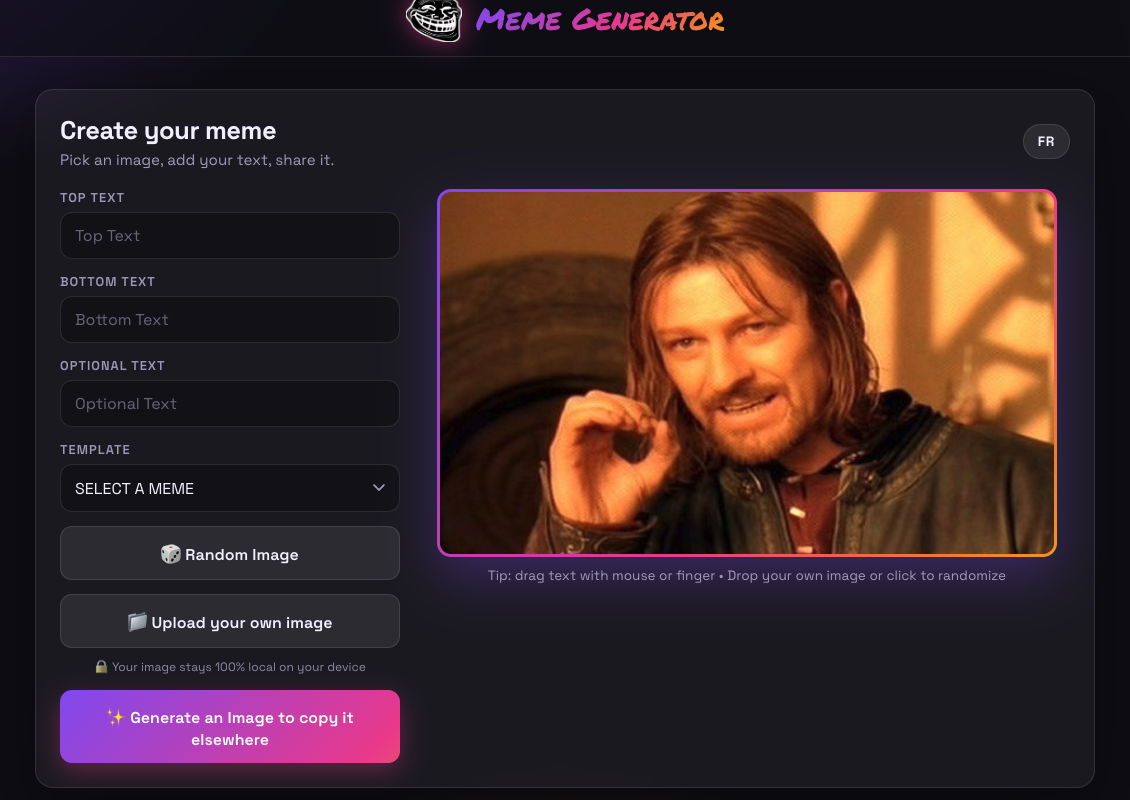
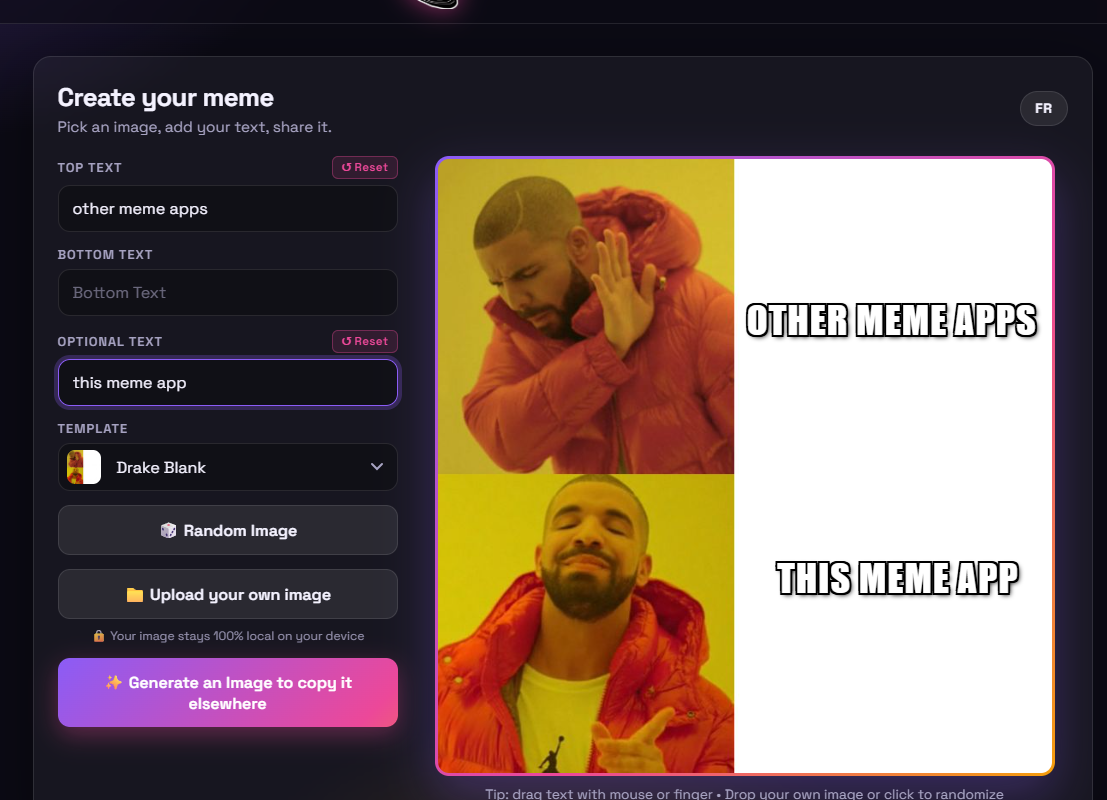
    Yes, it’s just a very silly Meme Generator. Pretty simple stuff, but satisfying nonetheless to have a completed, working app that I entirely built myself (with the help of a tutorial, I will admit). In any case, here it is, go ahead and play around with it! https://toogreen.ca/meme/

  • Coding - Mac OS

    Run a Web Server from Any Folder on Your Mac!

    I just discovered this really simple hack which is both a time and life saver if you want to quickly test simple websites on your machine. From any folder (a GIT folder for example where your code is), you simply need to run this simple Python command: UPDATE! Since Python 3, it has now changed to this: As you may have guessed, this will start a web server on port 8000. So from your browser, now all you need to do is go to http://localhost:8000 and, magic, you can now see the website you’re working on. To make it faster…